Sky Balls 3D


Game Information
Game Description
Sky Balls 3D sends rolling balls along sky tracks that test your reaction skills. Keep the ball on the track without letting it fall, and watch out for obstacles, traps, and gaps. Collect coins and keys along the way to get new ball skins and sky-boxes. You can play in 1 player and 2 player modes. In single-player, move with W A S D, Arrow Keys, or Mouse. In two-player, Player 1 uses W A S D and Player 2 uses Arrow Keys. The simple controls make it easy to start, but staying on the track demands steady hands. Every obstacle forces a quick decision, and each coin or key tempts you into riskier lines. The two-player mode lets you roll side by side with a friend. Sky Balls 3D keeps the arcade action direct: no long setup, just rolling, dodging, and collecting as you travel through the sky.
Category
ArcadeTags
Features
- ✓Roll balls across floating sky tracks
- ✓Dodge obstacles, traps, and sudden gaps
- ✓Collect coins and keys for unlocks
- ✓New ball skins and sky-boxes to earn
- ✓Play solo or share two-player mode
How to Play
Game Content
Pro Tips & Strategies for Sky Balls 3D
Stay calm and keep your eyes ahead—the track changes quickly. These short habits will help you last longer.
- Watch Ahead: Scan the track in front of your ball before you steer into a section. Gaps and obstacles often appear suddenly, so giving yourself an extra moment to react helps you choose a safe line.
- Steady Steering: Make small, controlled movements instead of sharp swerves. The goal is to keep the ball centered, and smooth inputs reduce the chance of sliding off the edge when the sky path narrows.
- Collect with Purpose: Coins and keys sit along risky parts of the track, so decide whether the reward is worth the detour. Taking a safe route can keep your run alive longer than chasing every pickup.
Over time you will learn the rhythm of the track and react faster. A relaxed, focused run often beats a rushed one.
Frequently Asked Questions
Can I play with a friend?
Yes. Sky Balls 3D includes both single-player and two-player modes. In two-player mode, Player 1 moves with W, A, S, D and Player 2 moves with the Arrow Keys. You can both roll at the same time on the same track.
How do I get new ball skins and sky-boxes?
Collect coins and keys as you roll along the track. These pickups are used to unlock new ball skins and sky-boxes, so keep an eye out for them while you avoid obstacles, traps, and gaps. The more you collect, the more options you have to change your ball and the sky around it.
What are the controls for single-player?
In single-player mode, you can move the ball with W, A, S, D, the Arrow Keys, or the Mouse. Use whichever control method feels most comfortable. Your goal is to keep the ball on the track and reach new areas without falling.
Games You'll Love If You Enjoy Sky Balls 3D
If you enjoy Sky Balls 3D, these browser games offer similar quick movement, obstacle dodging, and reaction-based play.
For Fans of Fast Obstacle Runs:
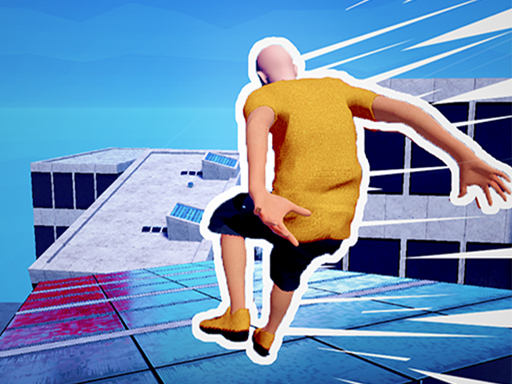
Rooftop Run keeps you sprinting over rooftops, jumping and sliding past obstacles while smashing through barriers. If you enjoy quick reactions and nonstop movement, this parkour chase will feel like a natural next step.
Square dash focuses on speed and reaction as you overcome obstacles, earn points, and chase new records. Fans of Sky Balls 3D will like how every run tests your timing and quick decisions.
For Fans of Precision and Physics:
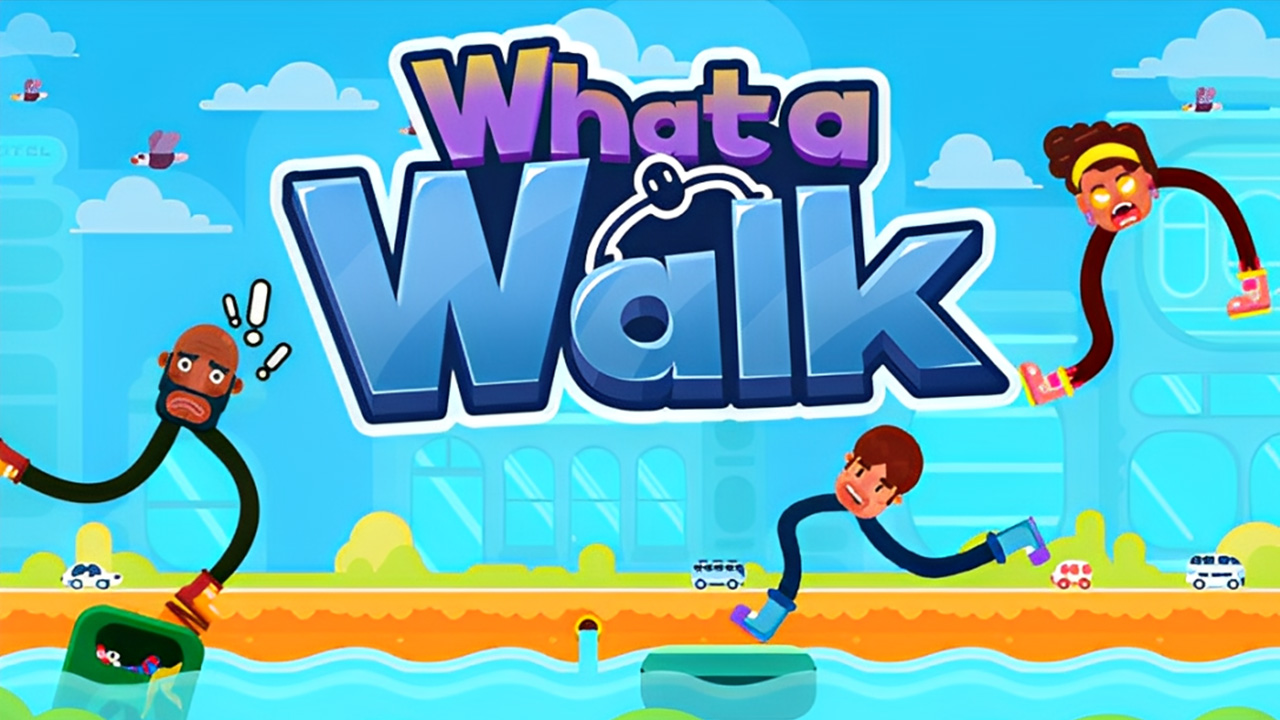
What a Walk trades rolling for wobbly physics as you pull back and release to cross gaps with floppy legs. If you like mastering exact movements to avoid falling, this arcade game is worth a try.
Flappy Dunk asks you to throw a basketball into the ring by clicking the mouse. It is a breathless test of timing and aim, so Sky Balls 3D players who enjoy careful control will appreciate the challenge.